Resume Templates
Choose a professionally designed template to get started
 Click to enlarge
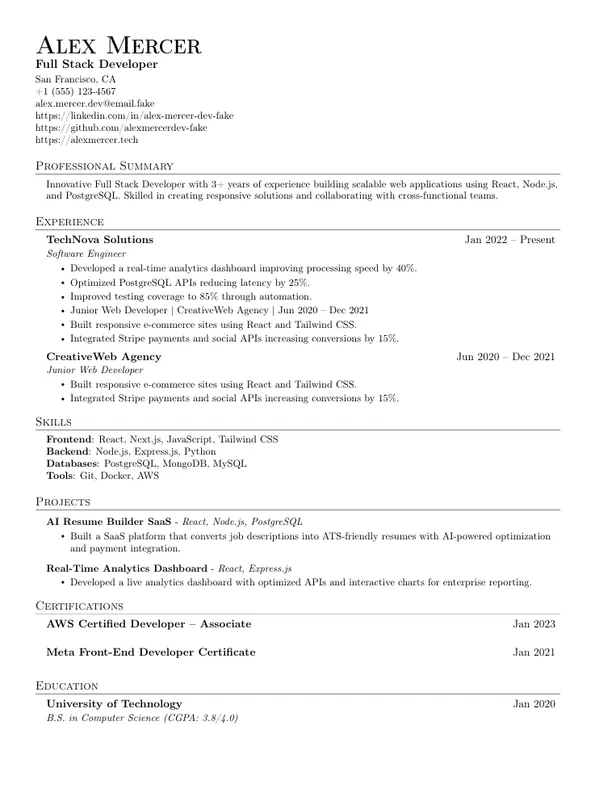
Jake Resume
A 21st-century update to the classic Harvard template, featuring company logos. This refined design is recruiter-approved and optimized for ATS, ensuring maximum compatibility.
 Click to enlarge
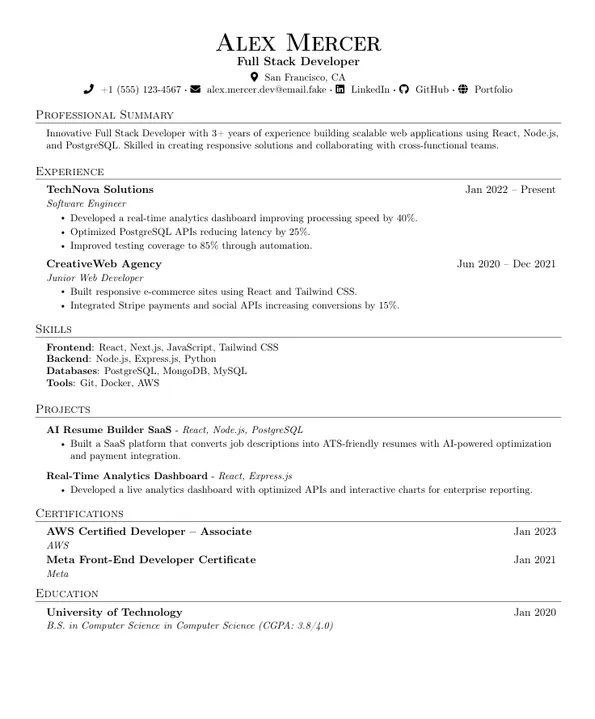
Jake Resume (With Icons)
Same ATS-friendly Jake layout, but with clean contact icons (LinkedIn/GitHub/etc.) before each contact row (optional variant).
 Click to enlarge
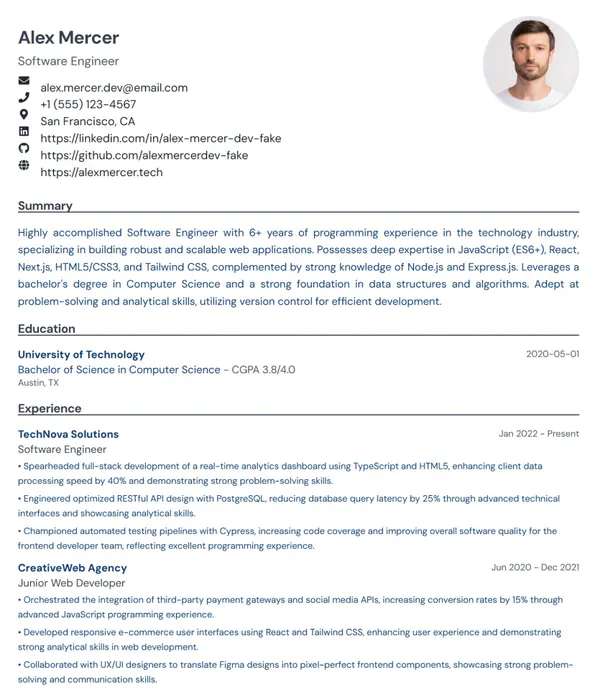
Timeline with Logos
Showcase your career journey with this clean, timeline-based template. Company logos emphasize your progression. Visually refined for professionals with strong brand experience.
 Click to enlarge
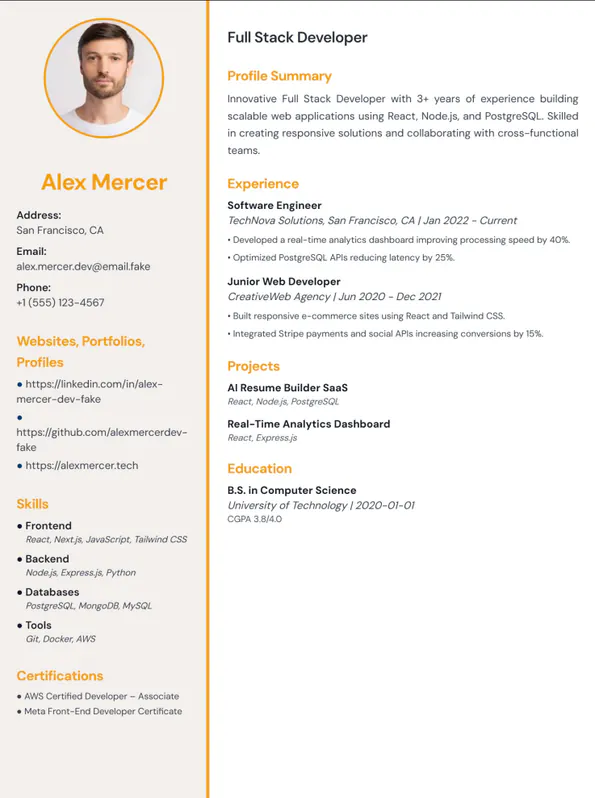
Enterprise Professional
A sophisticated two-column layout designed for senior professionals and technical architects. Features a distinctive sidebar for skills, certifications, and awards with an elegant orange accent theme. Perfect for enterprise roles and leadership positions.
 Click to enlarge
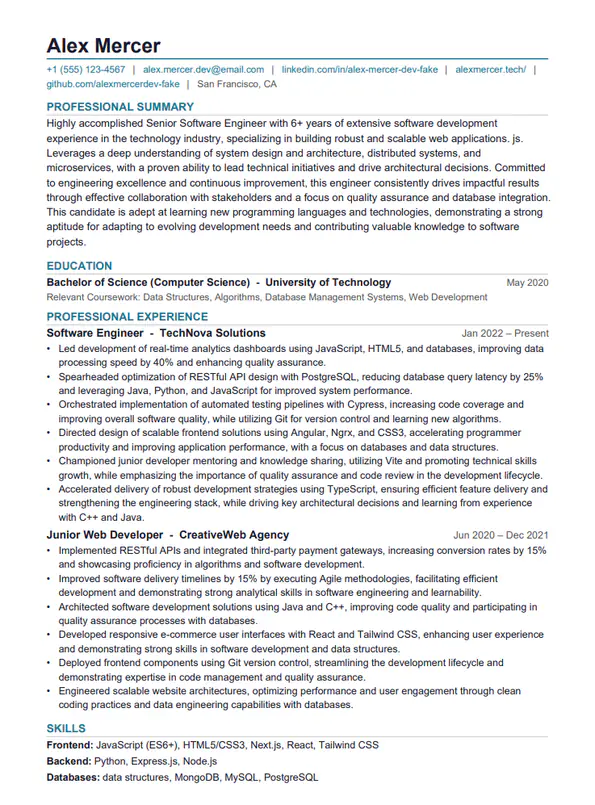
Classic
As the name suggests, this classic resume template is a safe choice for conservative industries like law, finance, or government while remaining versatile for most roles.
How to choose the right resume template (and what recruiters actually prefer)
Templates should make your resume easier to read—not “more creative.” Most recruiters spend 15–30 seconds on the first scan. A good template helps them quickly find your role, your strongest proof, and the technologies or skills that match the job. An ATS (Applicant Tracking System) also needs a predictable structure to parse job titles, company names, and dates correctly.
Template selection checklist
- Applying through portals? Prefer a clean, single-column layout.
- Switching careers or a fresher? Choose a template that highlights Projects.
- Experienced professional? Pick a template that keeps Experience near the top.
- Role is design/creative? Keep it readable first; visual style comes second.
What makes a template ATS-friendly?
“ATS-friendly” usually means the resume can be parsed into fields cleanly. The safest approach is standard section headings, consistent spacing, and text-based contact details (not icons-only). Avoid unusual headings like “My Journey” and prefer “Experience.”
If you want a step-by-step checklist, use the ATS resume checklist after you pick a template.
How to make any template look stronger
- Lead with relevance: put the most relevant section near the top (Experience or Projects).
- Use outcome-driven bullets: action + what + how + outcome (metrics if possible).
- Group skills: Languages, Frameworks, Databases, Tools (avoid long paragraphs).
- Keep dates consistent: the same format everywhere improves scanability.
Pair your resume with a matching cover letter
A cover letter is most effective when it maps your proof points to the job requirements. If you need a clear structure, read Cover letter format, then generate a draft on Cover Letter.
FAQ
Should I use a two-column template?
Two-column templates can look modern, but they sometimes parse poorly in ATS systems. If you’re applying via a portal, one-column is the safer choice.
How long should my resume be?
Freshers: 1 page. Professionals: 1–2 pages depending on relevant experience. Prioritize relevance over listing everything.
Do templates alone get me interviews?
No. Templates make reading easier, but the content (proof, impact, and alignment to the job) is what drives interviews. Use templates as a foundation, then upgrade bullet quality.